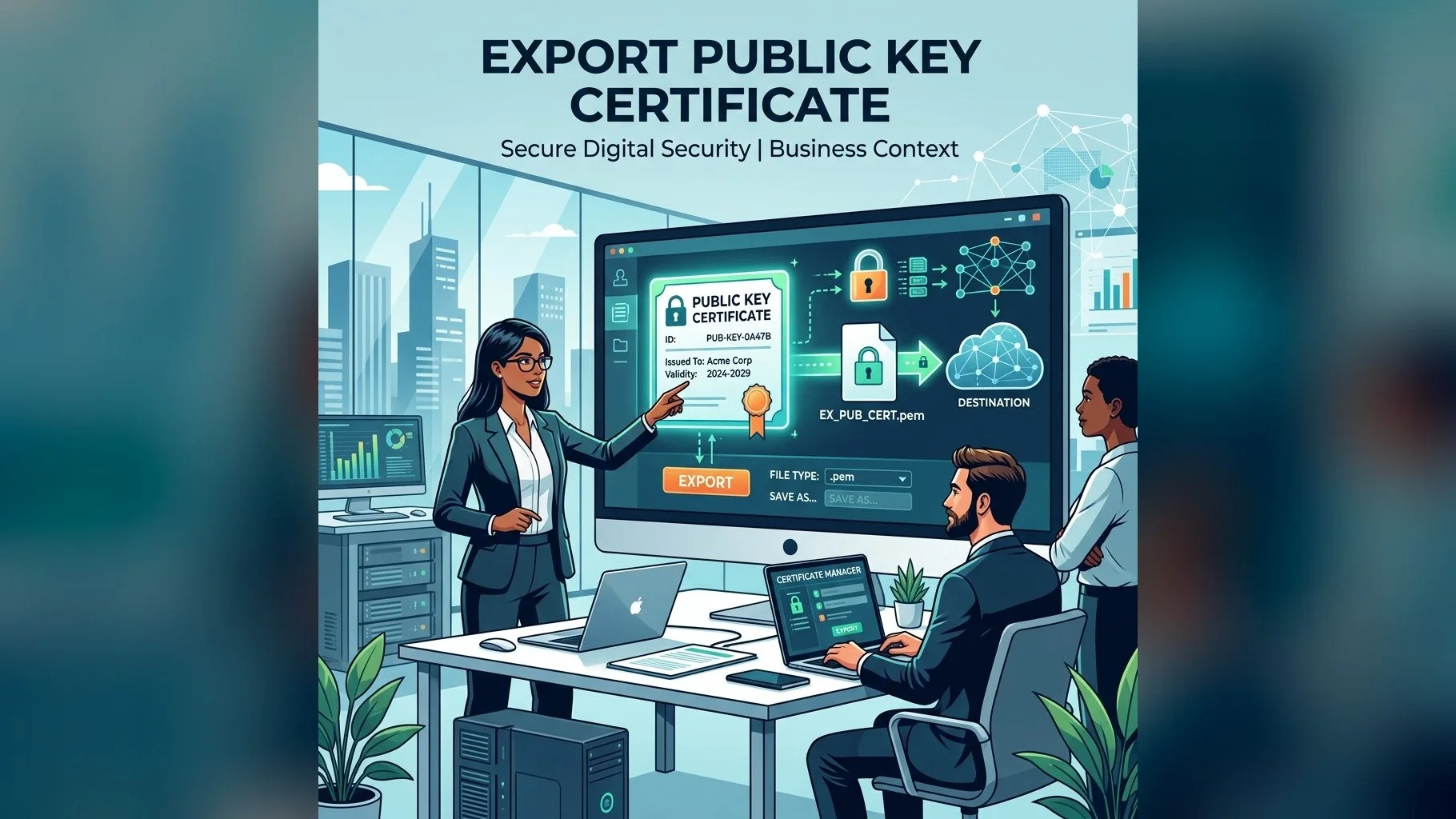
Your DSC on a USB token contains two parts: a private key (which never leaves the token) and a public key certificate (which can be shared freely). There are several scenarios where you need to export the public key certificate — for example, to share with a business partner who needs to verify your signature, or to upload to a government portal during registration. This guide explains how to do it safely.
Understanding Public vs Private Key
- Private key: Stored securely inside the USB token's hardware chip — cannot be extracted (by design, FIPS 140-2 requirement)
- Public key certificate: Contains your name, PAN, CA information, validity dates, and serial number — safe to share
- When you "export your DSC," you are only exporting the public certificate (.cer or .crt file) — your private key remains secure on the token
- Never attempt to export the private key — it is a security violation and technically impossible on a FIPS token
How to Export Public Certificate Using Token Manager
The steps vary slightly by token brand, but the general process is:
- Insert your USB token and open the token manager software (ePass2003 Manager, SafeNet Authentication Client, or Proxkey Manager)
- Navigate to Certificates or Token Content section
- Right-click on your certificate → Export Certificate or View Certificate → Details → Copy to File
- Choose format: DER encoded (.cer) for portals, or Base-64 encoded (.cer) for text-based systems
- Save the file to your desktop — this is your public certificate file
Export via Windows Certificate Manager
- Insert your USB token and open Windows Certificate Manager: press Win+R, type
certmgr.msc, press Enter - Expand Personal → Certificates — your DSC should appear here if the driver is installed
- Right-click on your certificate → All Tasks → Export
- In the wizard, choose No, do not export the private key
- Choose DER encoded binary X.509 (.CER) format → save file
- This exported .cer file contains only the public certificate
Need Help with Your USB Token?
Our support team guides you through certificate export, driver installation, and all token-related tasks.
The exported public certificate is commonly required when registering your DSC on portals that need you to upload the certificate file directly rather than using a browser-based signing module. If in doubt about which format to use, .cer (DER encoded) is the most universally accepted format across Indian government portals.