Your Digital Signature Certificate (DSC) is a time-limited credential — it expires after 1, 2 or 3 years depending on the validity you chose. Once expired, you lose access to critical government portals like MCA, Income Tax, and GST. Renewing your DSC before it lapses is therefore essential for uninterrupted business operations.
When Should You Renew Your DSC?
The ideal time to renew your DSC is 30 to 60 days before expiry. Renewing early ensures:
- No disruption to ongoing government filings or e-tender bids
- Sufficient time to complete the video verification process
- Adequate delivery time for the new USB token (if required)
- The new DSC validity starts from the renewal date (not the old expiry date)
You can check your DSC expiry in Windows Certificate Manager (Win+R → certmgr.msc → Personal → Certificates) or in your USB token management software.
DSC Renewal vs. Fresh Application
It is important to understand the difference:
- Renewal (before expiry): You apply for a new certificate while the old one is still valid. The process is the same as a fresh application — document submission and video verification. The new certificate can be loaded onto your existing USB token if it has available slots.
- Fresh application (after expiry): If your DSC has already expired, you must apply for a completely new certificate. Expired DSCs cannot be renewed.
Step-by-Step DSC Renewal Process
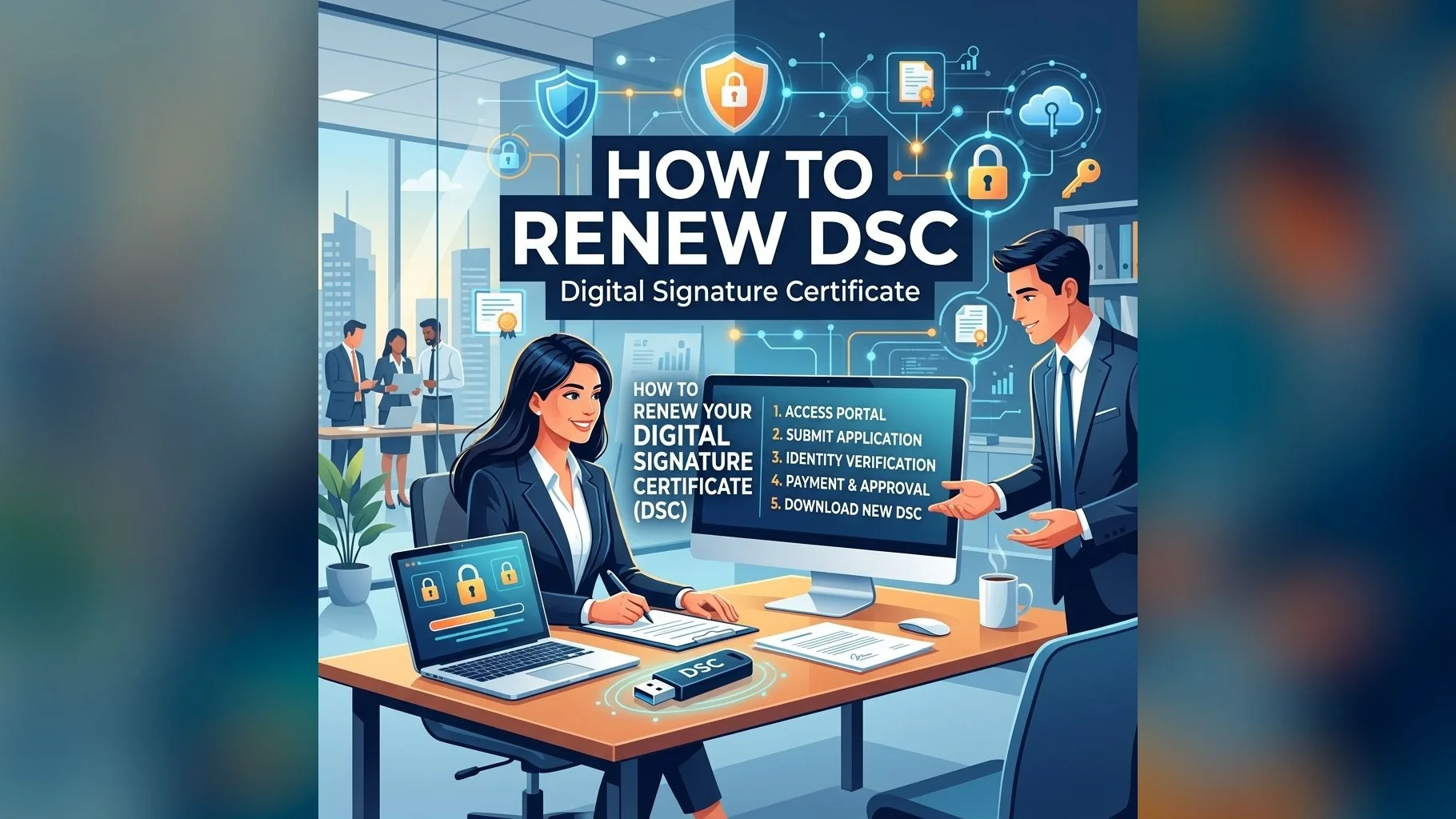
Follow these steps to renew your Digital Signature Certificate:
- Step 1: Contact DSC.in.net via WhatsApp (+91 83559 55000) or the website to initiate renewal
- Step 2: Submit your updated identity documents (Aadhaar, PAN) — even if unchanged, fresh submission is required by CCA guidelines
- Step 3: Complete the video verification call with our team (Mon–Sat, 10am–6:30pm IST)
- Step 4: The new DSC is issued within 24 hours and loaded onto your USB token or a new one if required
- Step 5: Update the new DSC on all portals (MCA, Income Tax, GST, etc.) where you had registered the old certificate
Ready to Renew Your DSC?
Contact us now — renewal takes less than 24 hours with our streamlined process.
After Renewal: Update Your DSC on Portals
Once your new DSC is issued, you must re-register it on all government portals where the old certificate was registered. The process varies by portal but typically involves logging in with OTP and uploading or selecting the new certificate. Portals to update include: Income Tax e-Filing, MCA21, GSTN, GeM, CPPP, EPFO and DGFT (if applicable).
Remember — your old DSC signatures on previously filed documents remain valid. Only future signings require the new certificate.