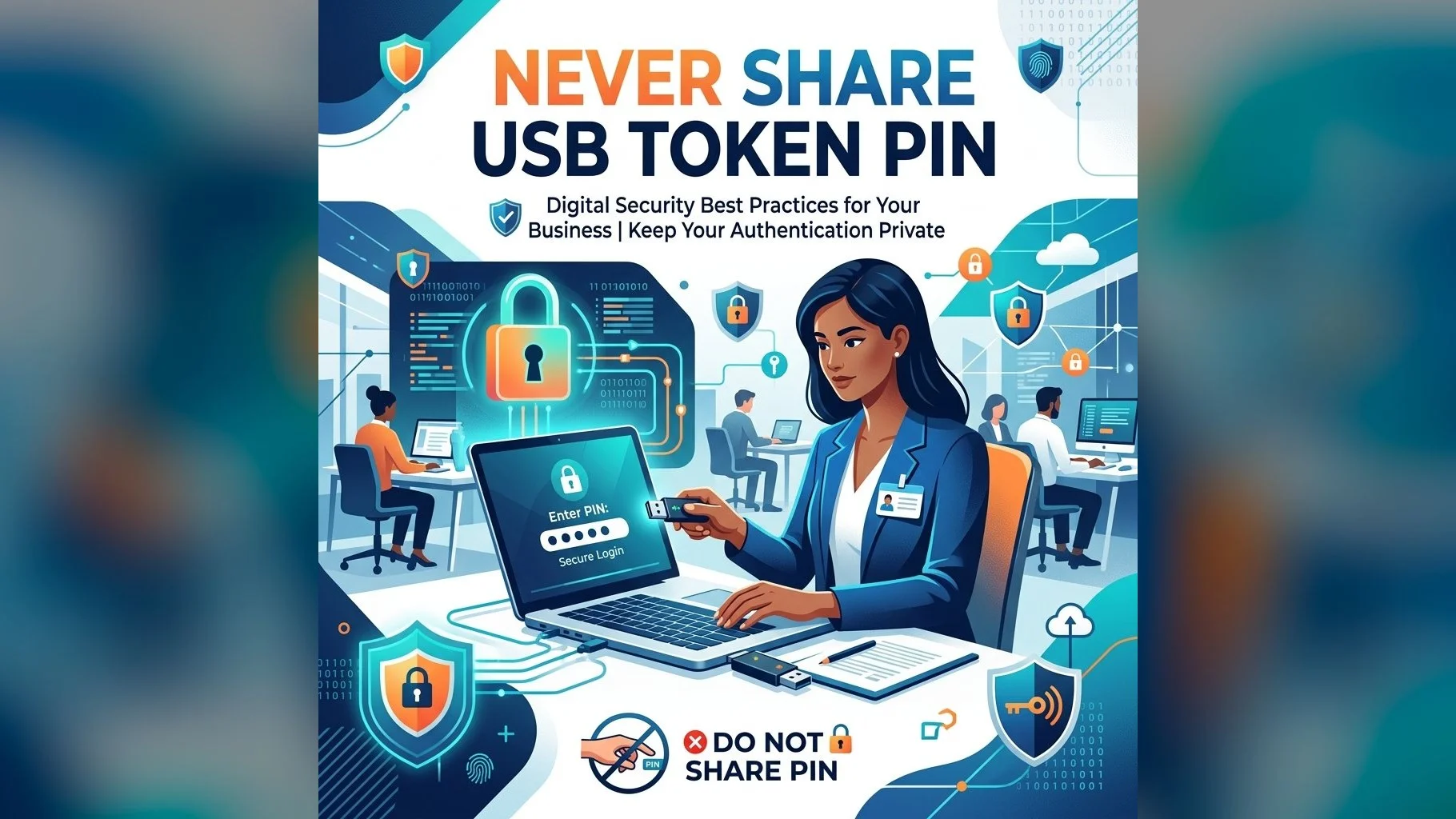
Your Digital Signature Certificate on a USB token is your legal digital identity. When you sign a document with your DSC, it carries the same legal weight as your physical signature. Sharing your USB token PIN — even with a trusted colleague or family member — can have serious, potentially irreversible legal and financial consequences.
Why Your PIN is Your Legal Identity
Under the Information Technology Act, 2000, a digital signature made using your DSC is legally presumed to have been made by you. If someone else signs a fraudulent document using your DSC because you shared the PIN, you may be held legally liable — because the signature legally binds you, regardless of who physically performed the action.
Real-World Consequences of Sharing Your PIN
- Fraudulent MCA filings: If a colleague with access to your PIN files false ROC documents using your DSC, the liability falls on you as the registered director
- GST fraud: Your DSC could be used to file false GST returns or claim fraudulent refunds — attracting criminal prosecution
- E-tender manipulation: Someone could submit bids in your name without your knowledge
- Financial document fraud: Loan applications, property transfers or financial documents could be signed without your consent
- Income tax manipulation: False ITR filings, refund claims or tax audit reports could be submitted using your DSC
The Right Way to Delegate Signing Authority
If you need someone else to file on your behalf, the correct approach is:
- Apply for a separate DSC for the delegate/authorised signatory
- Register their DSC on the relevant portal with appropriate authorisation
- For company filings, update the authorised signatory details in the company's records
Never give your USB token and PIN to another person — even temporarily.
Get a Separate DSC for Your Team
Each authorised signatory should have their own DSC. Apply easily through DSC.in.net.
Remember: your USB token PIN protects your legal identity. Keep it as private as your ATM PIN. If you suspect your DSC has been compromised, immediately revoke it through the issuing CA's portal and apply for a new certificate.