Video verification is a mandatory step in the DSC application process in India. The Controller of Certifying Authorities (CCA) requires all Class 3 DSC applicants to complete a live video call for identity verification before issuance. With proper preparation, this 3–5 minute call can be completed on the first attempt.
What to Expect During the Video Verification Call
During the video call, our agent will:
- Ask you to confirm your name, address and the purpose of the DSC application
- Request you to show your original Aadhaar card (or other OVD — Officially Valid Document) on camera
- Verify that your face matches the photo on the document
- Ask you to hold the document steady for clear capture
- May ask a few security questions to confirm identity
Tips for a Smooth Video Verification
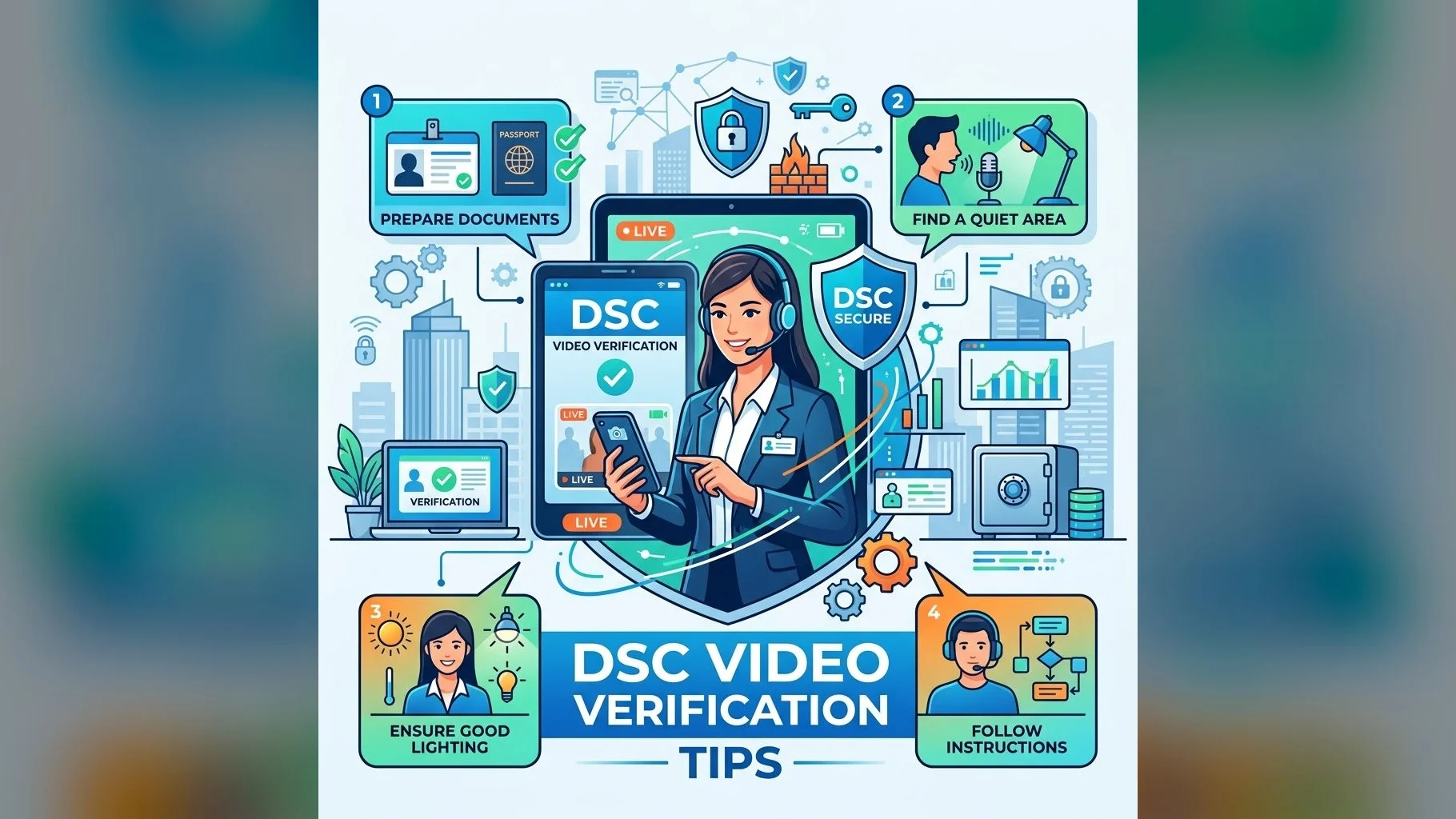
- Good lighting: Sit facing a natural light source or lamp — backlit or dark environments cause camera quality issues
- Stable connection: Use WiFi or 4G with at least 2 Mbps speed — weak connections cause disconnections mid-call
- Original documents ready: Have your original Aadhaar card (or passport for NRIs) handy before the call
- Quiet environment: Avoid calling from noisy locations — the agent must hear you clearly
- Clear face: Remove masks, sunglasses or caps — your face must match the document photo
- Consent statement: Be prepared to verbally confirm "I, [Your Name], hereby apply for a Digital Signature Certificate from [CA Name]"
- Book in advance: Schedule your call slot at least 2 hours ahead during business hours (Mon–Sat, 10am–6:30pm IST)
Common Reasons for Verification Failure
- Poor camera quality or low lighting
- Laminated Aadhaar card causing glare — show it at a slight angle
- Name or photo mismatch between submitted documents and Aadhaar
- Poor internet connection causing video freeze
Ready to Apply?
Our team guides you through the entire process. Video verification is easy with the right preparation.
After successful verification, your DSC is typically issued within 2–4 hours. Our team confirms issuance via WhatsApp or email and guides you through the certificate collection onto your USB token.