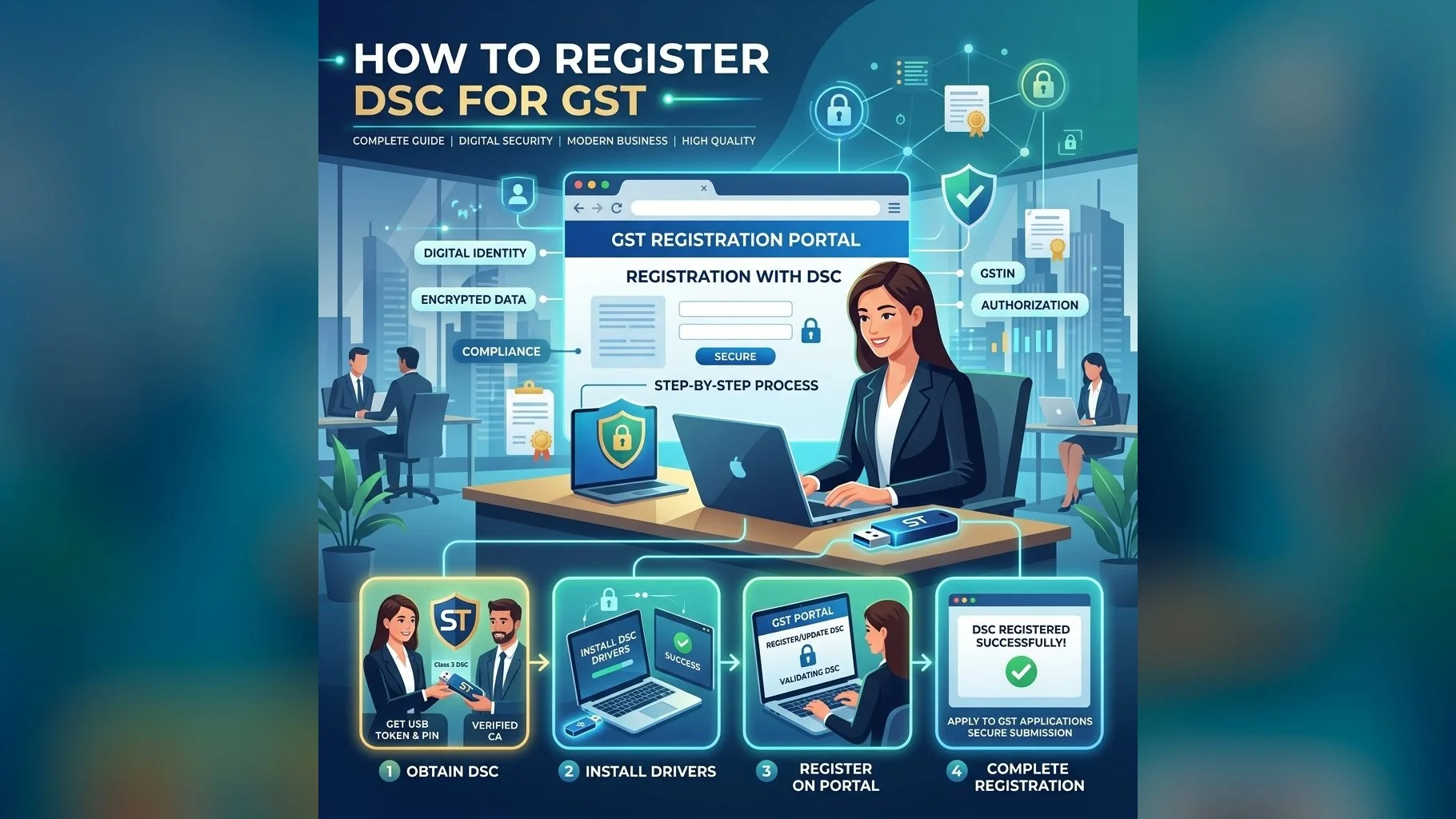
Registering your DSC on the GST portal is a quick process that unlocks DSC-based filing for GST returns, amendments, and compliance actions. Without DSC registration, companies and LLPs cannot file GSTR-9, GSTR-9C, and other DSC-mandatory forms. Here is a complete guide to registering and troubleshooting DSC on gst.gov.in.
Prerequisites for GST DSC Registration
- A valid Class 3 DSC on a FIPS USB token (Individual or Organisation)
- The authorised signatory's name must match between the DSC and the GST registration records
- The USB token driver must be installed and the token inserted into the computer
- The GST portal uses a browser-based signing mechanism — no additional plugin required in most modern browsers
Step-by-Step: Register DSC on GST Portal
- Login to www.gst.gov.in using your GSTIN credentials (username/password + OTP)
- Click on your username in the top-right → My Profile
- Click on Register / Update DSC in the left menu
- Verify the PAN of the authorised signatory shown on screen matches the DSC
- Click Register — the portal will prompt you to select a certificate from your USB token
- Select the correct certificate from the drop-down and enter your token PIN
- Click Sign — a success message with your DSC serial number confirms registration
Common GST DSC Registration Errors and Fixes
- "No certificate found": USB token driver not installed or token not inserted — install ePass2003 or SafeNet driver
- "PAN mismatch": The PAN embedded in your DSC does not match the signatory PAN on the GST account — apply for the correct DSC
- "Name mismatch": The name on your DSC differs from the authorised signatory name in GST records — ensure exact spelling match
- "Certificate expired": Your DSC validity has passed — renew your DSC and re-register
- Browser compatibility: Use Chrome or Edge for best results; clear cookies if the portal does not load the certificate picker
Get DSC for GST Portal
Class 3 DSC for GST compliance. Issued in 24 hours with step-by-step registration support.
Once registered, your DSC remains linked to your GST account until it expires or you update it. If you register a new DSC (after renewal), repeat the registration steps — the new certificate automatically replaces the old one. We provide post-issuance support for GST portal registration for all our clients at no extra charge.