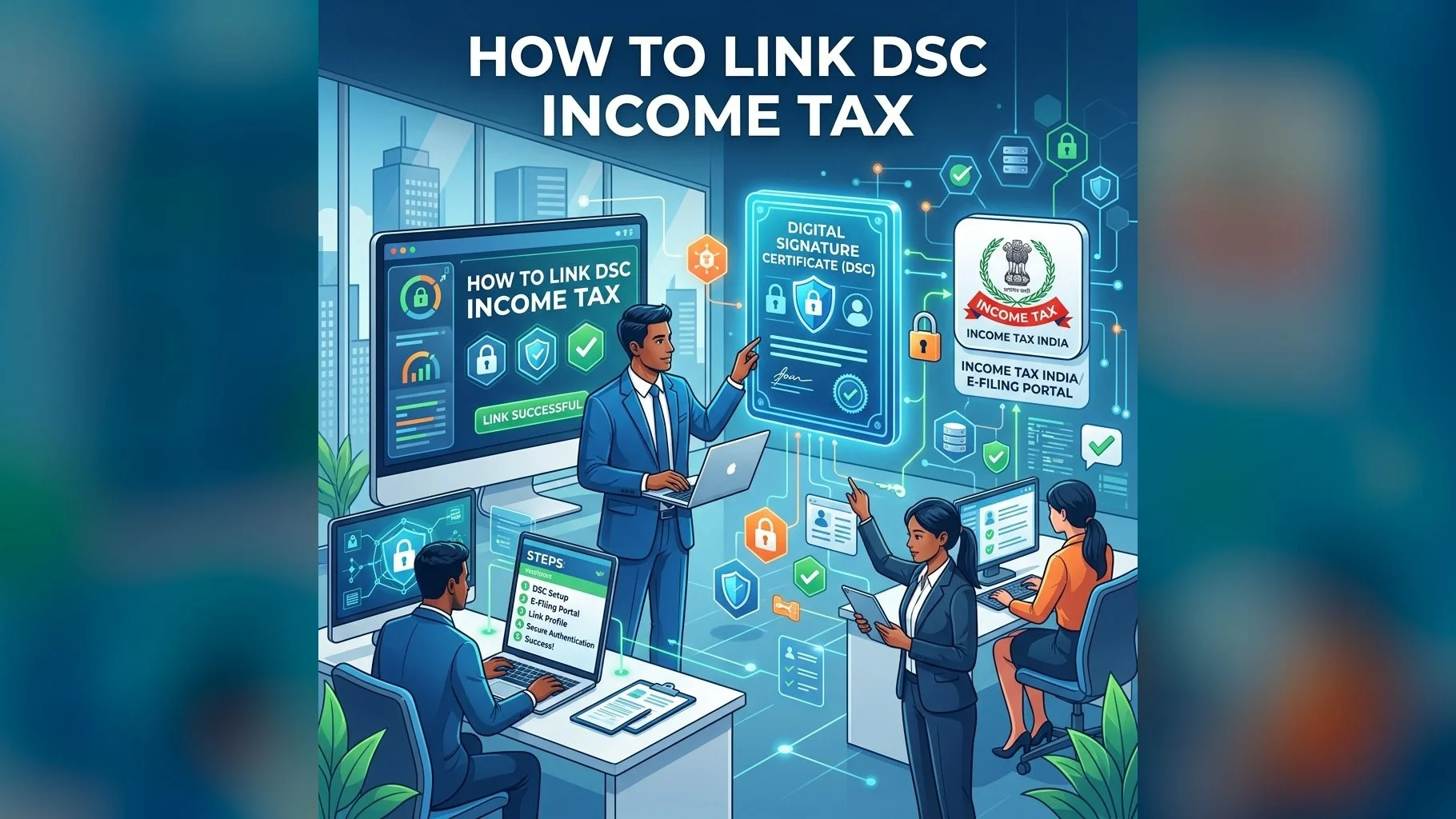
Linking (registering) your DSC on the Income Tax e-Filing portal (incometax.gov.in) is a mandatory step before you can use it to sign ITR, audit reports, or other tax forms. The process has been updated in the new portal and now uses the emSigner utility instead of the older Java-based signing module.
Prerequisites Before Registration
- A valid Class 3 DSC on a FIPS USB token
- The USB token driver installed (ePass2003 Manager, SafeNet Authentication Client, etc.)
- emSigner utility installed on your computer (download from incometax.gov.in → Help → Downloads → emSigner)
- emSigner must be running in the background — check the taskbar for the emSigner icon before proceeding
- Your income tax portal login credentials (PAN as user ID)
Step-by-Step: Register DSC on Income Tax Portal
- Login to incometax.gov.in and go to My Profile
- Click on Register DSC in the left sidebar
- Confirm your PAN and provider selection
- Insert your USB token and click Continue
- The portal connects to emSigner running on your computer
- Select your DSC certificate from the drop-down and enter your token PIN
- Click Sign — a success message confirms DSC registration
- You can now use this DSC for ITR submission, DSC-based verification, and audit report signing
Updating or Re-registering DSC
- If your DSC has expired, repeat the above process with your new DSC
- If you switch to a different CA or get a new certificate with a different serial number, re-registration is required
- The portal allows only one active DSC per PAN at a time — the new registration replaces the old one
- For CA professionals with multiple client DSCs: each client's PAN needs their own DSC registered in their respective account
Need DSC for Income Tax Portal?
Get Class 3 DSC for income tax e-filing in 24 hours. Full registration support included.
If emSigner is not connecting to the portal, ensure it is running with administrator privileges and that your firewall is not blocking port 1585. Our support team resolves such technical issues for all DSC.in.net clients at no extra charge — reach us on WhatsApp for immediate assistance.