The Indian government has shifted a large portion of public procurement online through various e-tendering portals. If you wish to bid for government contracts — from construction projects to supply of goods and services — you must register your Digital Signature Certificate (DSC) on the relevant portal. This guide covers everything you need to know.
Major e-Tendering Portals in India
India has several e-procurement portals at the central and state government level:
- GeM (Government e-Marketplace): Central procurement portal for goods and services (gem.gov.in)
- CPPP (Central Public Procurement Portal): For central government tenders (eprocure.gov.in)
- NIC e-Procurement: Used by many state governments and PSUs
- eProcure (MSTC): For public sector auctions and tenders
- State portals: Maharashtra (mahatenders.gov.in), Tamil Nadu, Gujarat, etc. all have their own portals
- IFFCO, NTPC, BHEL: Large PSUs have their own procurement portals
Type of DSC Required for e-Tendering
Most e-tendering portals require a Class 3 DSC with both signing and encryption capabilities. Some portals specifically mention "Class 3B" or "with encryption." Always check the specific requirements of the portal you plan to register on. A standard Class 3 Signing + Encryption DSC from DSC.in.net works on virtually all major e-tender portals.
How to Register Your DSC on e-Tendering Portals
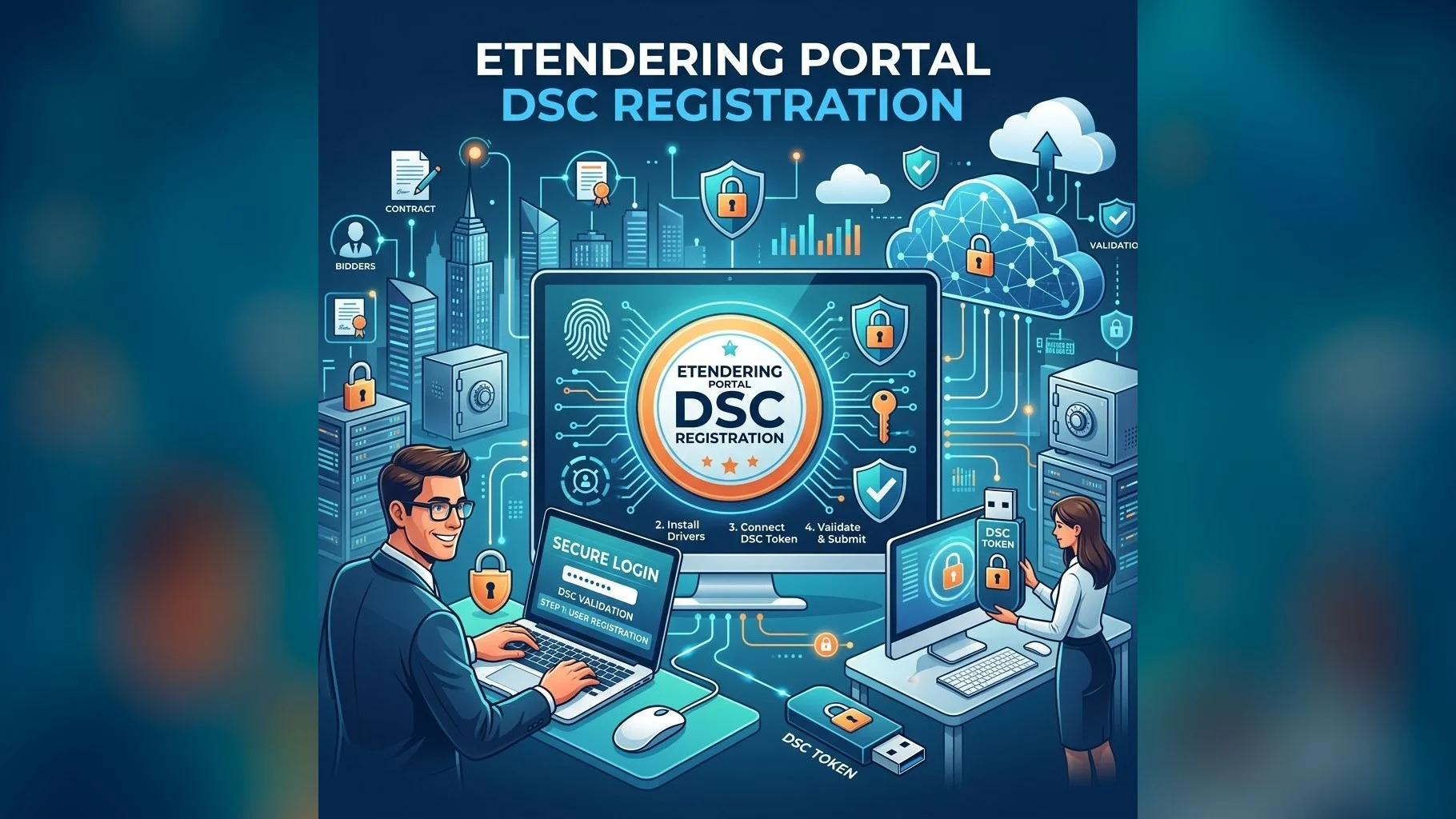
- Step 1: Ensure your computer is running Windows with Java 8+ and the appropriate USB token driver installed
- Step 2: Insert your USB token and verify it is detected (check in Device Manager)
- Step 3: Visit the e-tender portal and go to the "Register" or "Login" section
- Step 4: Select "Register with DSC" and follow the portal's certificate selection wizard
- Step 5: Your DSC certificate details will appear — confirm and submit
- Step 6: Enter your USB token PIN when prompted to digitally sign the registration
Need an e-Tender DSC?
Apply now and get your Class 3 DSC issued in 24 hours — ready for any e-procurement portal.
If you encounter errors during portal registration — such as ActiveX issues or Java security blocks — our technical support team is available Mon–Sat to help you troubleshoot. Call us at +91 83559 55000 or WhatsApp for immediate assistance.