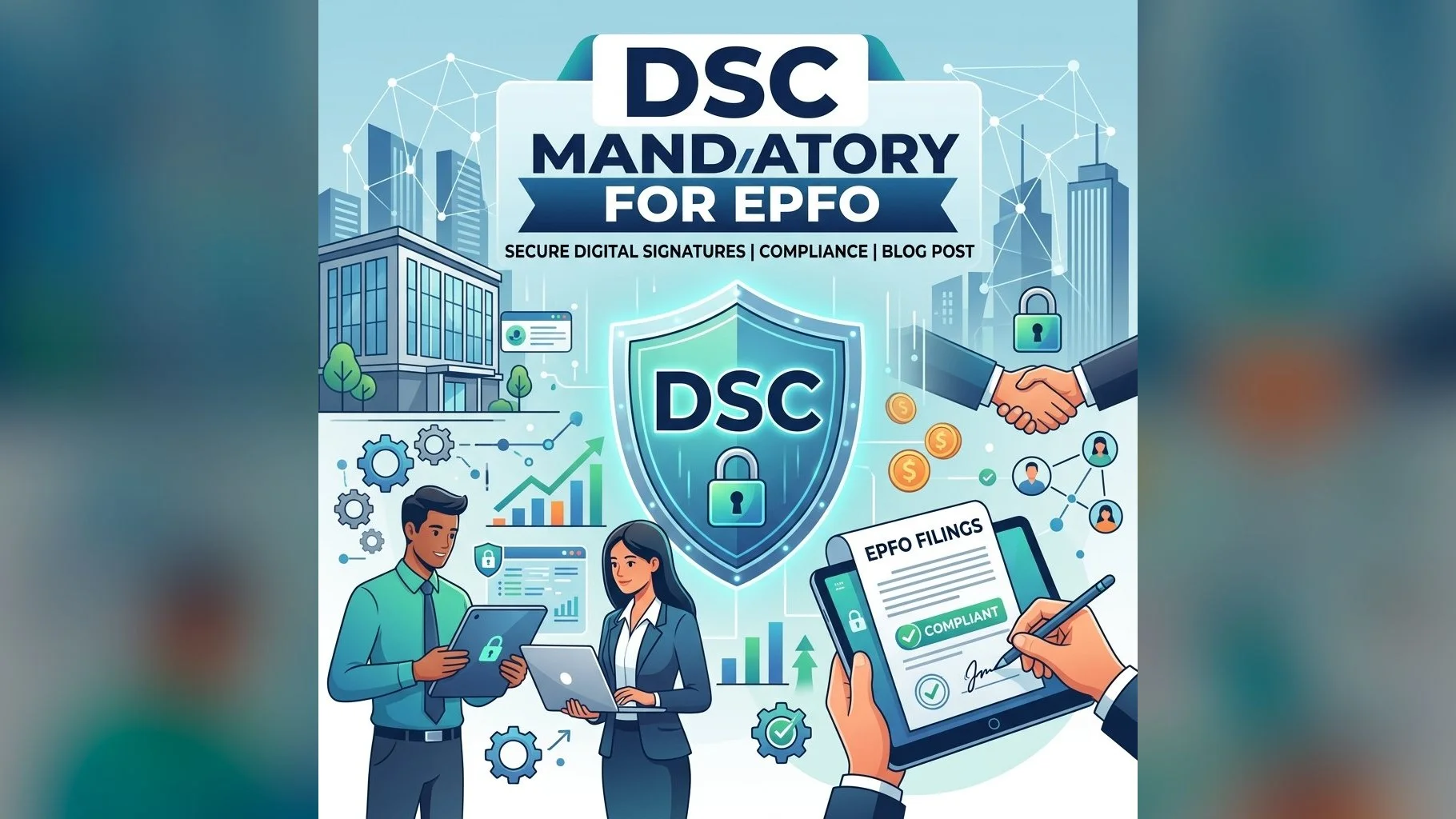
The Employees' Provident Fund Organisation (EPFO) manages the retirement savings of millions of Indian workers. Employers with 20 or more employees are required to register with EPFO and submit monthly Electronic Challan cum Return (ECR) filings. A Digital Signature Certificate (DSC) is mandatory for authorised signatories on the EPFO Unified Portal.
Why Does EPFO Require a DSC?
EPFO mandates DSC for ECR filings and other submissions because:
- Legal validity: Under the EPF and MP Act, 1952, employer filings must be authenticated by an authorised signatory
- Fraud prevention: DSC ensures only the registered authorised signatory can submit ECR, preventing unauthorised submissions
- Non-repudiation: Once signed with a DSC, the employer cannot deny having made the filing
- Audit trail: All DSC-signed submissions are logged with a timestamp for compliance purposes
Who Needs the DSC for EPFO?
- The employer (company, LLP or proprietor) registered with EPFO
- The authorised signatory nominated in EPFO records — typically the HR head, director, proprietor or their authorised representative
- If the signatory changes, the new signatory's DSC must be registered on the EPFO portal
Steps to Register DSC on EPFO Unified Portal
- Step 1: Login to the EPFO Unified Portal (unifiedportal-emp.epfindia.gov.in) with your establishment credentials
- Step 2: Go to "Establishment" → "Register DSC" from the menu
- Step 3: Insert your USB token and select the certificate from the list
- Step 4: Enter the USB token PIN to confirm registration
- Step 5: The DSC is now linked to your EPFO establishment — use it to sign and submit ECR each month
Need a DSC for EPFO Filings?
Get your Class 3 DSC ready for EPFO in 24 hours. Contact our team now.
Note: EPFO requires the DSC signatory's Aadhaar to be seeded in the EPFO records and the mobile number to be linked for OTP-based authentication. Ensure this is done before attempting DSC registration on the EPFO portal.