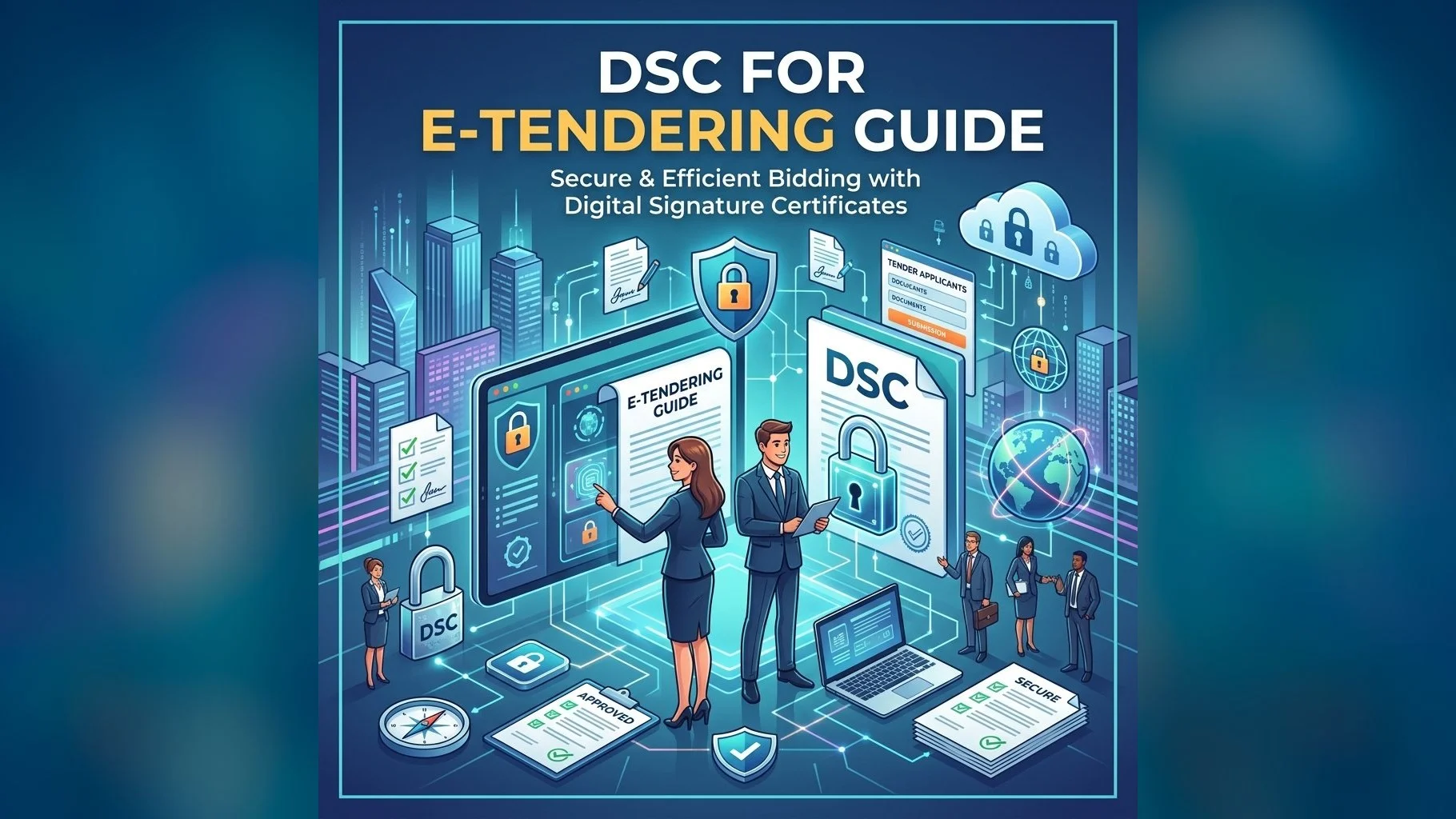
e-Tendering is now mandatory for government procurement across India. Whether you are bidding on Central Government tenders through GeM or CPPP, or state-level tenders through NIC e-Procurement, you need a Class 3 DSC to submit and sign your bids online. This guide covers everything you need to know about using a DSC for e-tendering.
Which DSC Do You Need for e-Tendering?
All e-tendering portals in India require a Class 3 DSC — either Individual or Organisation type depending on the portal. Here is a quick reference:
- GeM (Government e-Marketplace): Class 3 Organisation DSC in the name of the authorised signatory
- CPPP (Central Public Procurement Portal): Class 3 Individual or Organisation DSC
- NIC e-Procurement (State portals): Class 3 DSC — check state-specific requirements
- IFFCO eBiz / MSTC / IREPS: Class 3 Organisation DSC
- Defence portals (DRDO, Ordnance): Class 3 Organisation DSC with company details
Steps to Use DSC for e-Tendering
- Step 1 — Register on the portal: Create a vendor/bidder account on the relevant e-tendering portal
- Step 2 — Register your DSC: Go to your profile settings and register your Class 3 DSC (plug in USB token, select certificate, enter PIN)
- Step 3 — Search for tenders: Browse active tenders relevant to your business category
- Step 4 — Download tender documents: Download and review the tender notice, BOQ, and technical specifications
- Step 5 — Prepare bid: Fill in technical and financial bid forms; attach supporting documents
- Step 6 — Sign and submit: Use your DSC to digitally sign the bid before submission — the portal will prompt for PIN
- Step 7 — Track status: Monitor bid status and opening schedules on the portal dashboard
Important Tips for e-Tender DSC Users
- Always use Internet Explorer compatibility mode or the portal's recommended browser for older portals
- Install Java and add the portal URL to Java's exception list if the signing applet fails to load
- Ensure your DSC expiry date is beyond the tender's bid submission deadline
- For GeM: DSC must be linked to your GeM account — do this under "My Account → Digital Signature Certificate"
- Never submit bids without DSC signing — unsigned bids are automatically rejected
- Keep a backup of your USB token and know the PIN — entering the wrong PIN 5+ times locks the token
Get Your e-Tender DSC Today
Class 3 DSC for all government e-tendering portals. Issued in 24 hours, fully supported by our team.
A Class 3 DSC for e-tendering is a business-critical tool — it protects the integrity of your bids and ensures only authorised personnel can submit on your company's behalf. Renew your DSC at least 30 days before expiry to avoid missing active tender opportunities.